Switch from Bell or API Alarm
Former Bell Smart Home customer now with API Alarm? Switch to Knightwatch with a free alarm takeover — keep compatible equipment, no contract. Toronto & GTA.

Changing alarm companies shouldn’t mean ripping out a working system. Knightwatch evaluates your existing commercial alarm, takes over compatible equipment and monitors it 24/7 — with minimal disruption to your business.
Common reasons: a provider that's slow to respond to service calls, multi-year agreements with automatic renewals, a national company that has been sold or restructured, or a system nobody on site understands. A takeover keeps your investment in panels, sensors and wiring and gives you a local company that answers.
Our technicians run a full diagnostic of the existing system: panel model and condition, zones and devices, communicator, power and battery backup, and any integration with access control or cameras. Many common commercial panels can be reprogrammed; some proprietary or locked equipment can't. We'll explain what can be reused and what needs replacing before any work starts. Certain conditions apply.
We schedule work to suit your hours, reprogram the panel, connect a communicator, test every zone with the monitoring station, and set up opening/closing schedules, user codes for staff and your call list. Check your current agreement for notice periods so the change lines up with your contract.
Takeovers are a good time to add cellular communication, remote arming and notifications, panic, medical and temperature alarms, or fire panel monitoring. If the panel can't be reused, see commercial alarm installation.
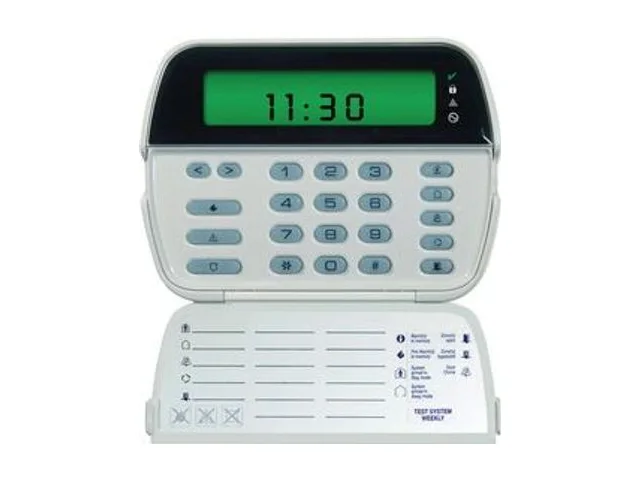
We take over DSC and Qolsys (IQ) alarm systems. Compare your keypad with the pictures below. If it matches one of these, there’s a good chance we can keep your existing equipment and simply switch your monitoring.
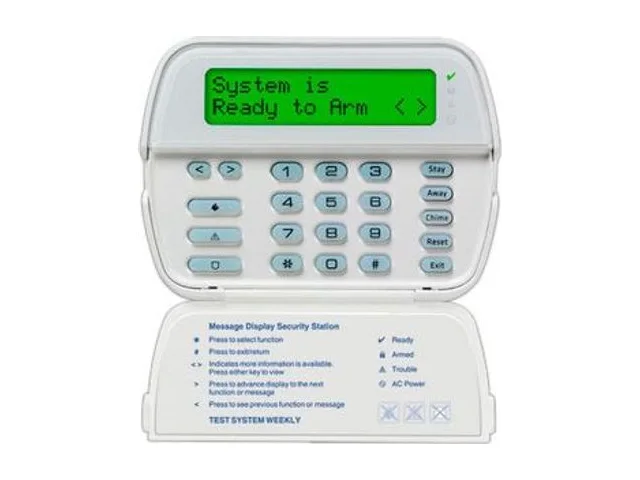
Full-message LCD screen with a flip-down door over the keys.
Small icon screen with zone numbers, plus a flip-down door.
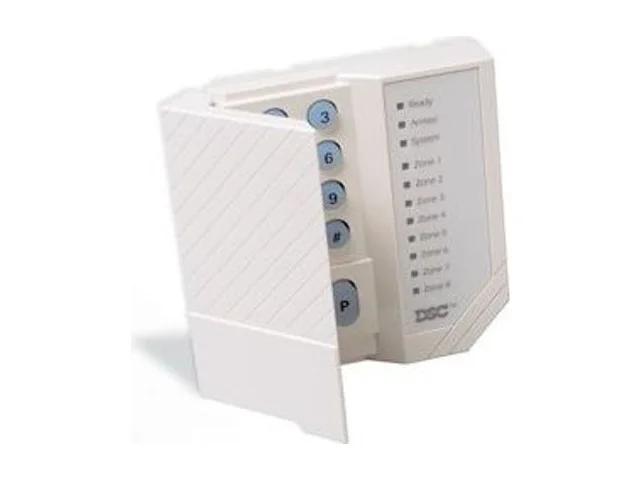
Rows of numbered zone lights instead of a screen.

Slim full-message LCD with large, flat buttons.

Slim Neo keypad with an icon-and-number display.

Wall-mounted colour touchscreen for a DSC Neo system.

7" touchscreen panel with a built-in camera at the top.

Newest IQ touchscreen: round camera above the screen, fabric speaker grille below.
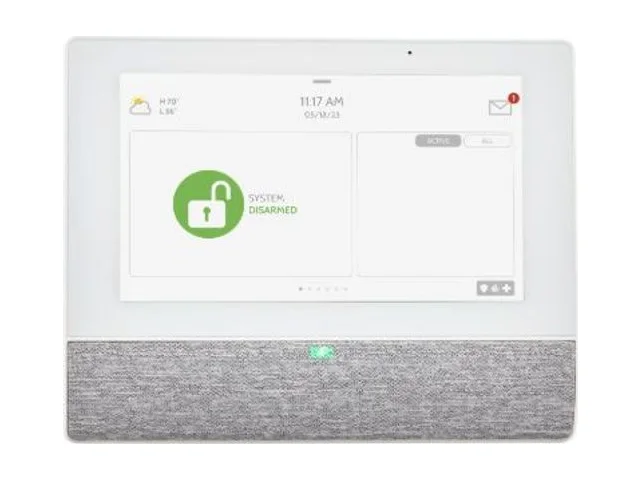
Extra IQ touchscreen with no camera, often on a stand in a bedroom or by a door.

Compact push-button keypad used beside an IQ panel.
Earlier Qolsys IQ Panel 2 and IQ Panel 2 Plus systems are also common takeovers. Compatibility is always confirmed during the free on-site evaluation. Not sure what you have? Email a photo of your keypad to [email protected] or call 416-398-7414.
DSC, PowerSeries, Qolsys and IQ Panel are trademarks of their respective owners.
Former Bell Smart Home customer now with API Alarm? Switch to Knightwatch with a free alarm takeover — keep compatible equipment, no contract. Toronto & GTA.
Switch from TELUS SmartHome Security (formerly ADT Canada) to Knightwatch. Free takeover of compatible equipment, no contract, local Toronto service.
Proven, professional-grade equipment — installed, tested and serviced by our own technicians.

Full-message LCD keypads for simple arming, disarming and clear status at a glance — the DSC equipment our technicians install and service every day.
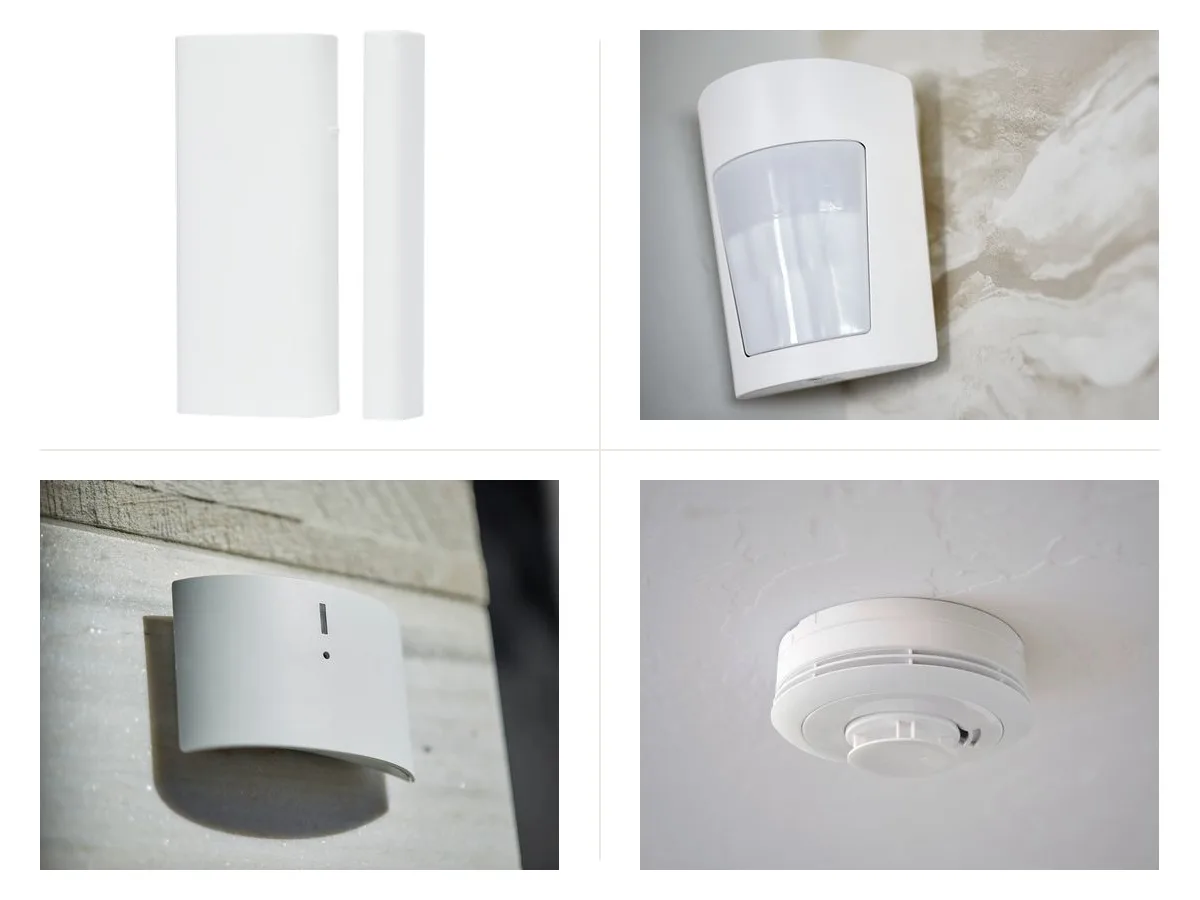
Wired or wireless contacts on every entry point, motion and glass-break detection inside, plus monitored smoke and heat detection.

The IQ Panel 5 touchscreen with PowerG wireless sensors — tidy installs, phone control and room to grow.
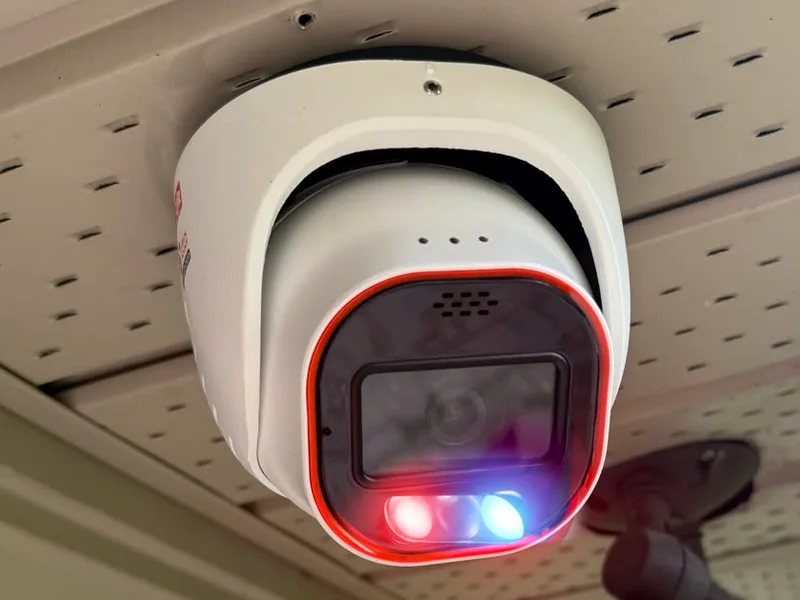
AI person and vehicle detection with a siren and red-and-blue strobe lights that warn intruders away, plus two-way audio and local recording.
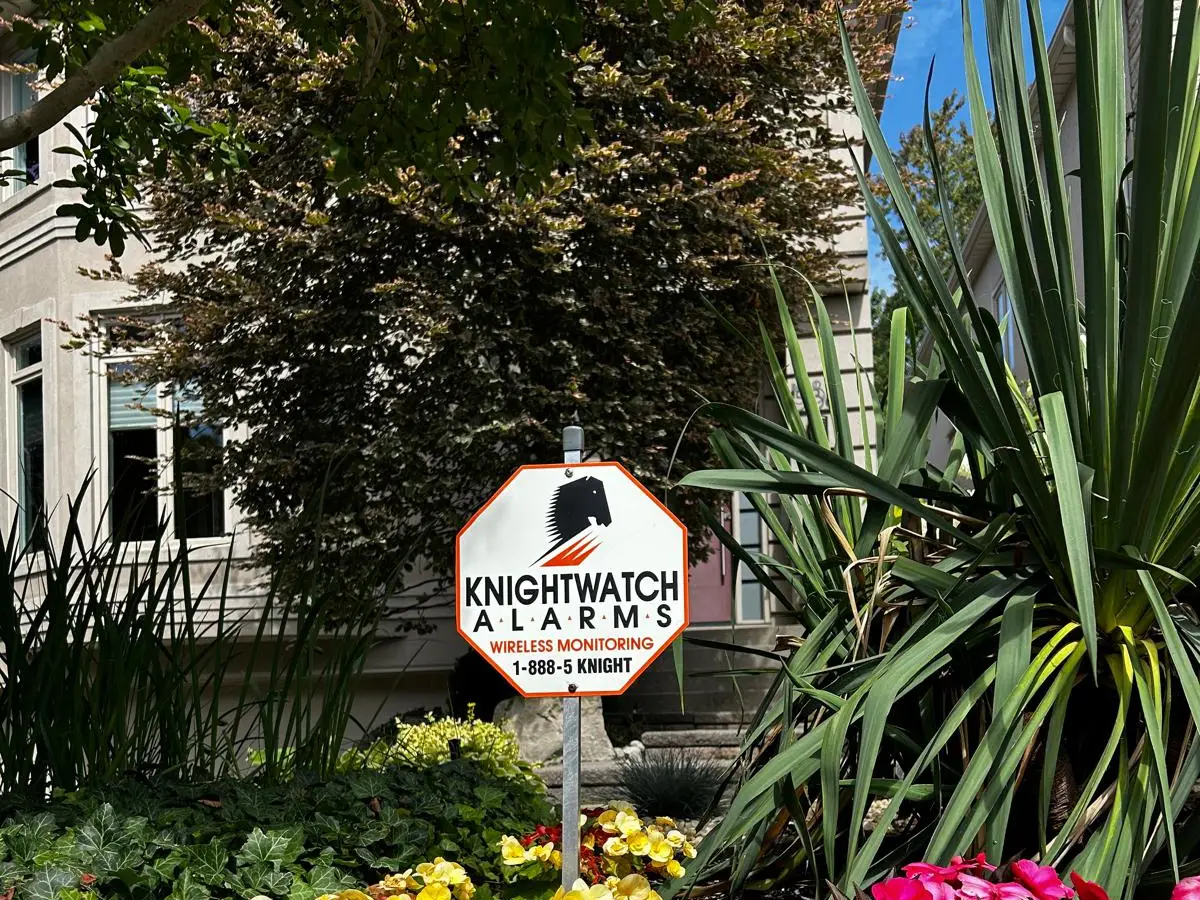
A visible sign and decals tell would-be intruders the property is protected and monitored.
We schedule the work around your hours and test with the monitoring station before we leave, so protection is in place the same day.
Often, yes — it depends on the equipment. We'll assess it during the diagnostic.
Business intrusion systems designed on site and backed by 24/7 monitoring.
24/7 monitoring of intrusion, fire and environmental signals.
AI analytics, active deterrence, video monitoring and scalable recording.
Keep your compatible equipment and switch your monitoring to Knightwatch.
Knightwatch serves Toronto and the Greater Toronto Area. Local information for our main service areas:
Choosing a Toronto alarm company is an important decision. You are trusting that company with the security of your home, your belongings, and most…
Thornhill is one of the GTA’s most desirable residential communities. Located within Vaughan, just above Toronto but within the GTA, Thornhill is…
Living in a condo can feel more secure than living in a detached home. Many Toronto condominiums have controlled entrances, concierge staff, security…
Free on-site evaluation and quotation. No annual contract.