Home
Alarm Takeovers
Keep your compatible equipment and switch your monitoring to Knightwatch.

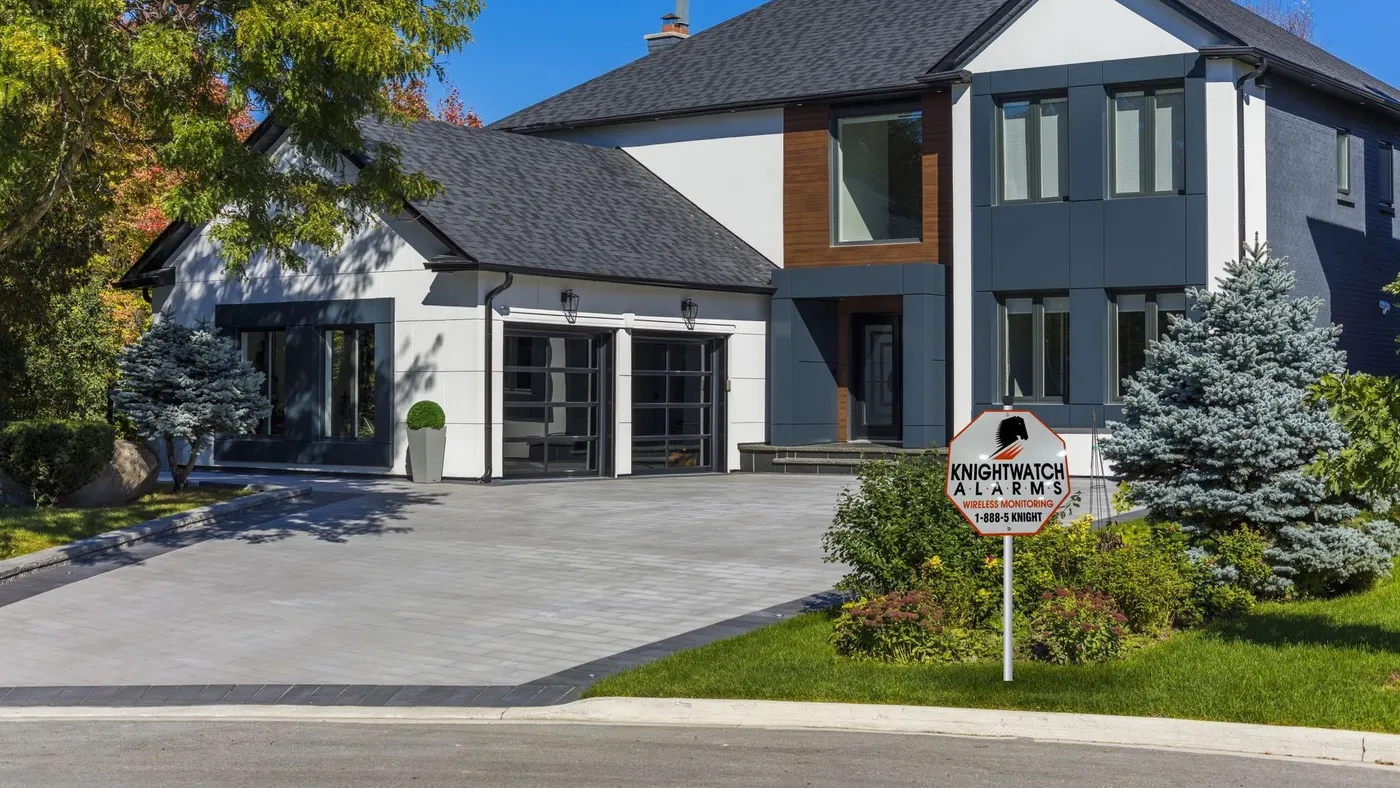
A new home alarm should be designed around how your house is built and how your family lives in it. Knightwatch plans each system on site, installs it with our own technicians and connects it to 24/7 monitoring — with no annual contract.

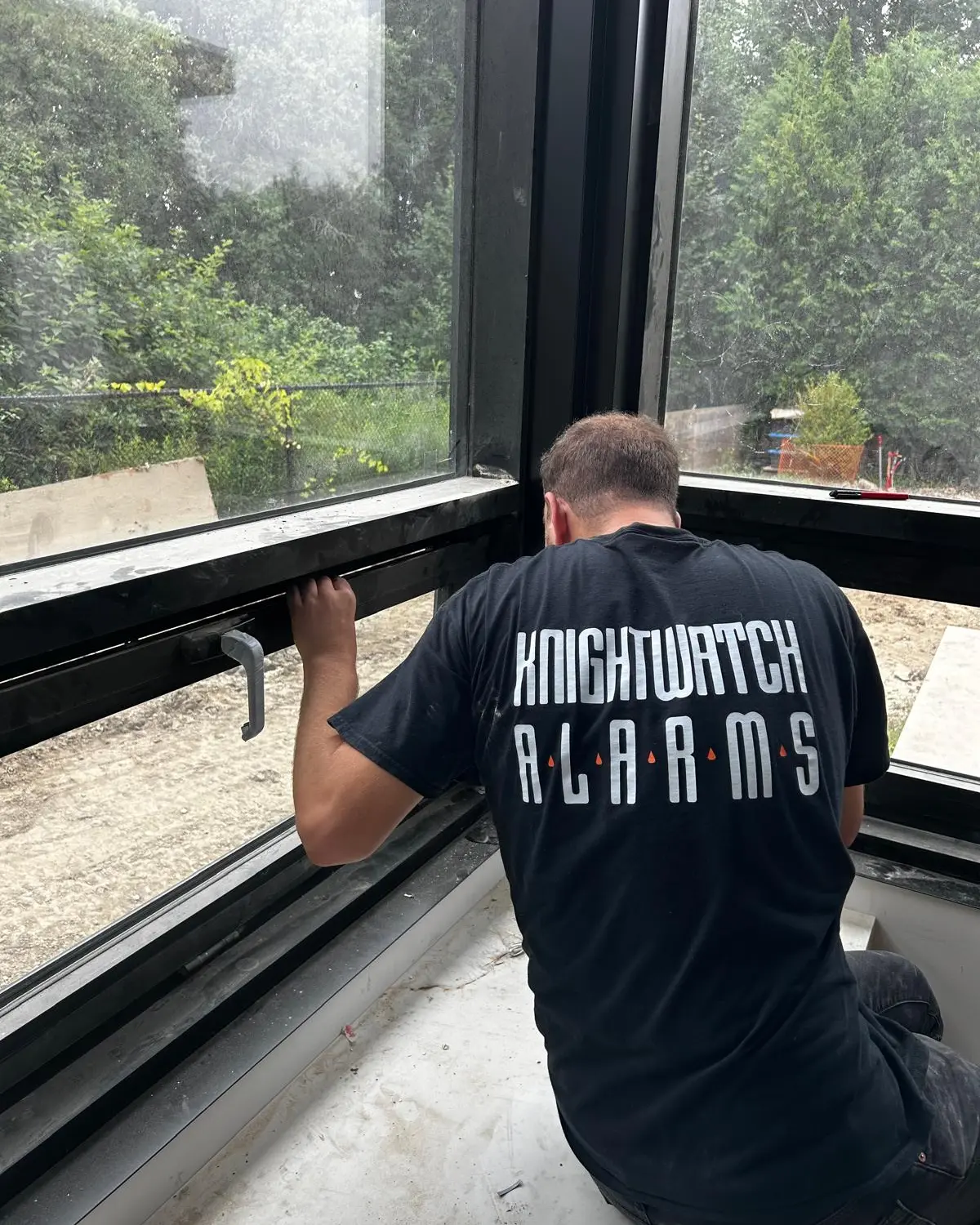
Design starts with a free on-site evaluation, not a package. A technician looks at every way into the house — front, side and patio doors, basement and ground-floor windows, an attached garage — and at how the home is used day to day: who's home when, pets, rooms that should stay armed at night, and where keypads make sense. Why an on-site visit matters.
The result is a written recommendation that covers entry points first, then interior coverage, then life-safety devices if you want them.
Hardwired devices are very reliable and don't need batteries, which makes them ideal for new builds and renovations where walls are open. Wireless devices install with little disruption in finished homes and are easy to add later. Many systems combine both: wired where cable already exists, wireless everywhere else. Our guide to hardwired vs. wireless alarms explains the trade-offs.
Installation and service are done by Knightwatch's own full-time technicians. Before we leave, every zone is tested with the monitoring station, user codes are set up, and we walk you through arming, disarming, “stay” mode, bypassing a zone and the smartphone app. The FAQ covers the most common keypad questions afterwards.
New systems connect to 24/7 professional monitoring with wireless communication, remote arm/disarm and text or email notifications. You can add security cameras, security lighting and physical security upgrades now or later. Already have an older system? An alarm takeover may let you keep it.
We install and service DSC and Qolsys (IQ) alarm systems: classic push-button keypads, slim Neo keypads or full touchscreens. Already have one of these? An alarm takeover may save you a new installation.
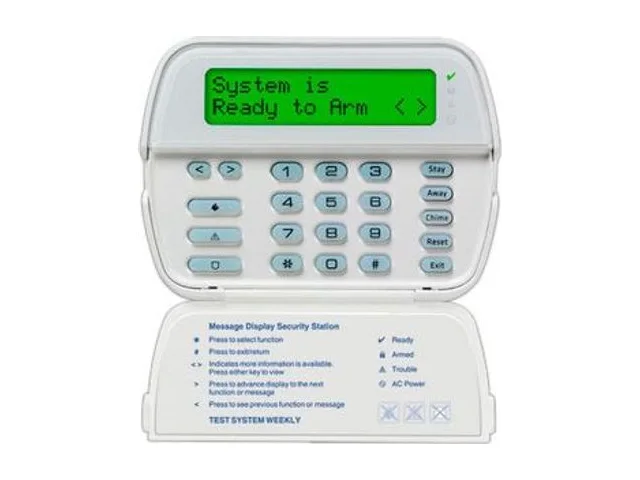
Full-message LCD screen with a flip-down door over the keys.
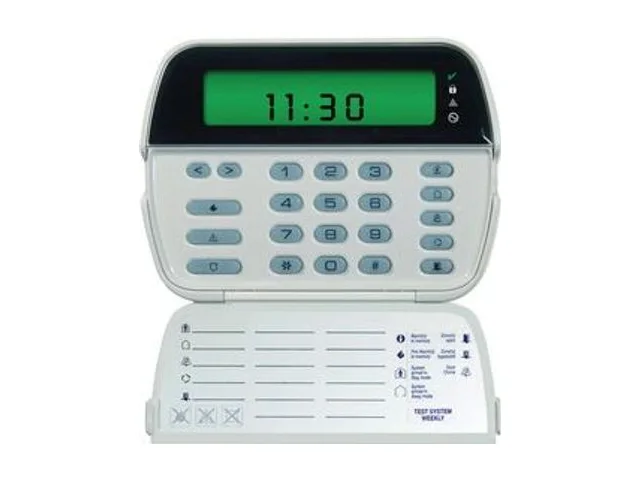
Small icon screen with zone numbers, plus a flip-down door.
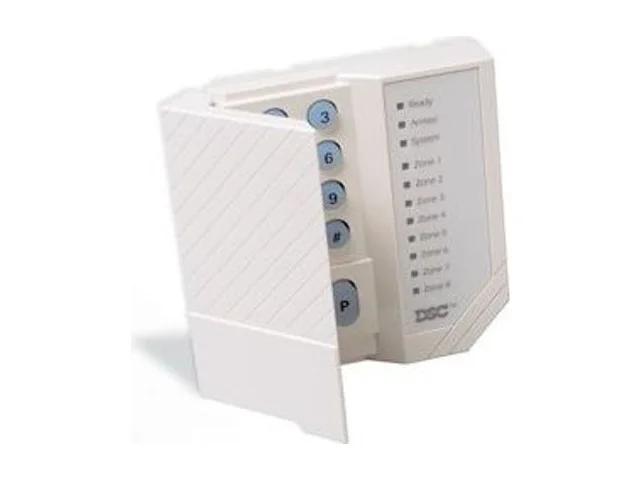
Rows of numbered zone lights instead of a screen.

Slim full-message LCD with large, flat buttons.

Slim Neo keypad with an icon-and-number display.

Wall-mounted colour touchscreen for a DSC Neo system.

7" touchscreen panel with a built-in camera at the top.

Newest IQ touchscreen: round camera above the screen, fabric speaker grille below.
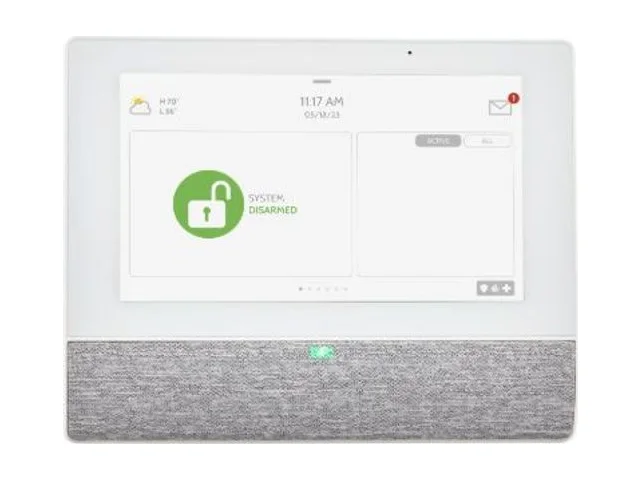
Extra IQ touchscreen with no camera, often on a stand in a bedroom or by a door.

Compact push-button keypad used beside an IQ panel.
Compatibility is always confirmed during the free on-site evaluation. Not sure what you have? Email a photo of your keypad to [email protected] or call 416-398-7414.
DSC, PowerSeries, Qolsys and IQ Panel are trademarks of their respective owners.
Proven, professional-grade equipment — installed, tested and serviced by our own technicians.

Full-message LCD keypads for simple arming, disarming and clear status at a glance — the DSC equipment our technicians install and service every day.
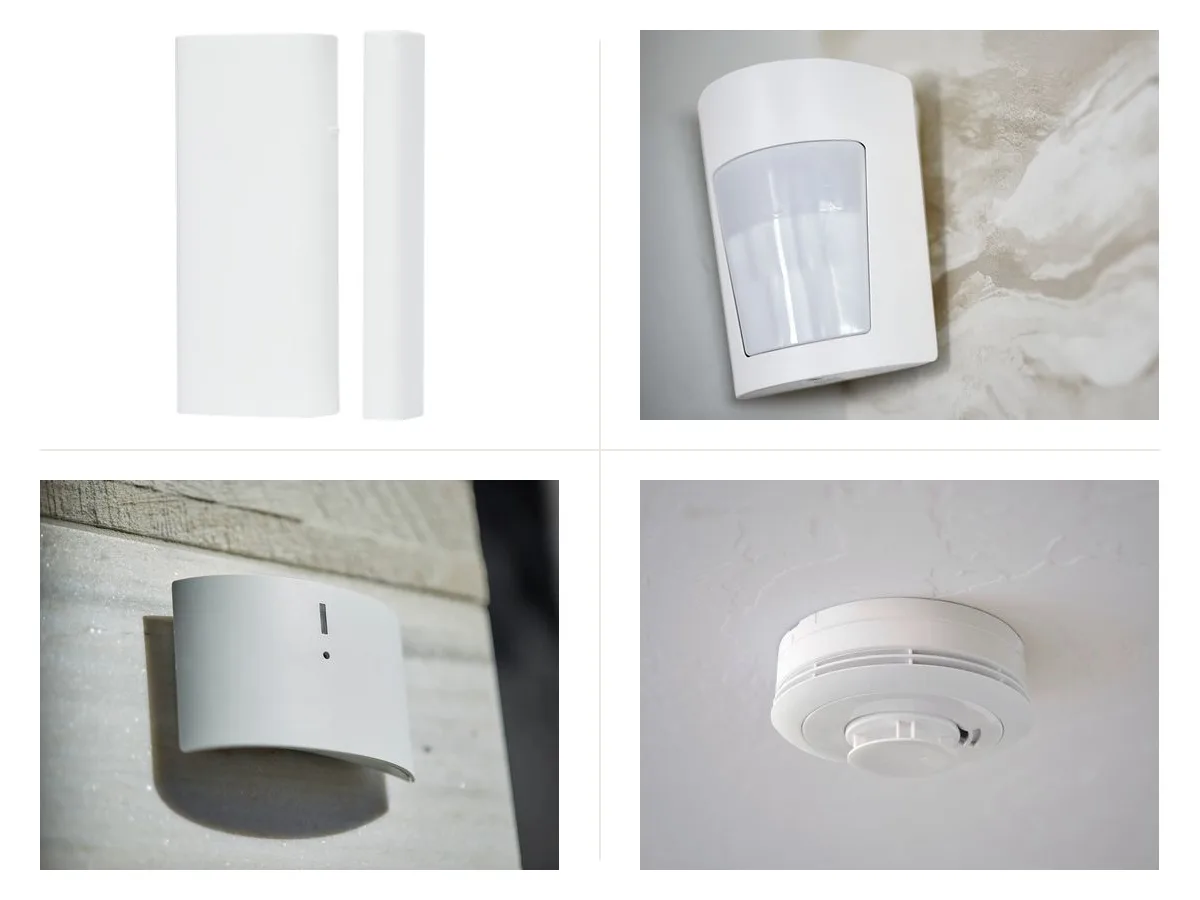
Wired or wireless contacts on every entry point, motion and glass-break detection inside, plus monitored smoke and heat detection.

The IQ Panel 5 touchscreen with PowerG wireless sensors — tidy installs, phone control and room to grow.
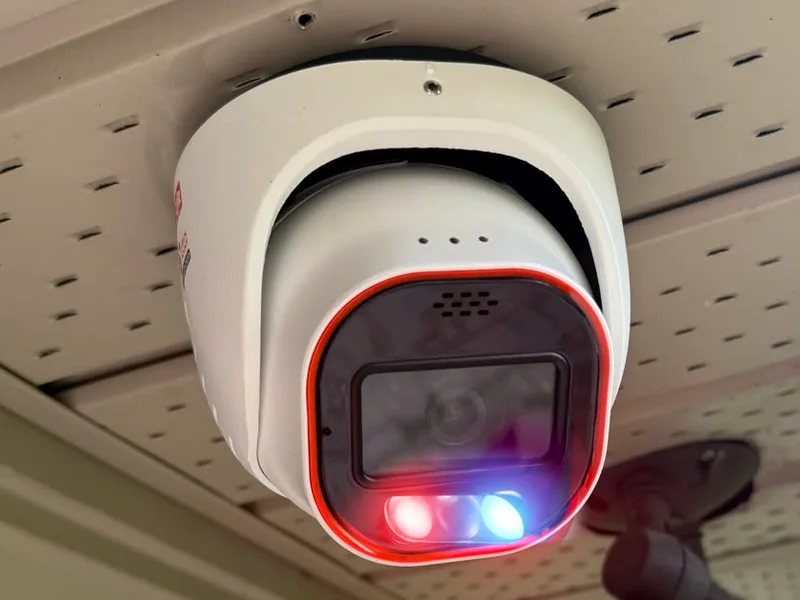
AI person and vehicle detection with a siren and red-and-blue strobe lights that warn intruders away, plus two-way audio and local recording.
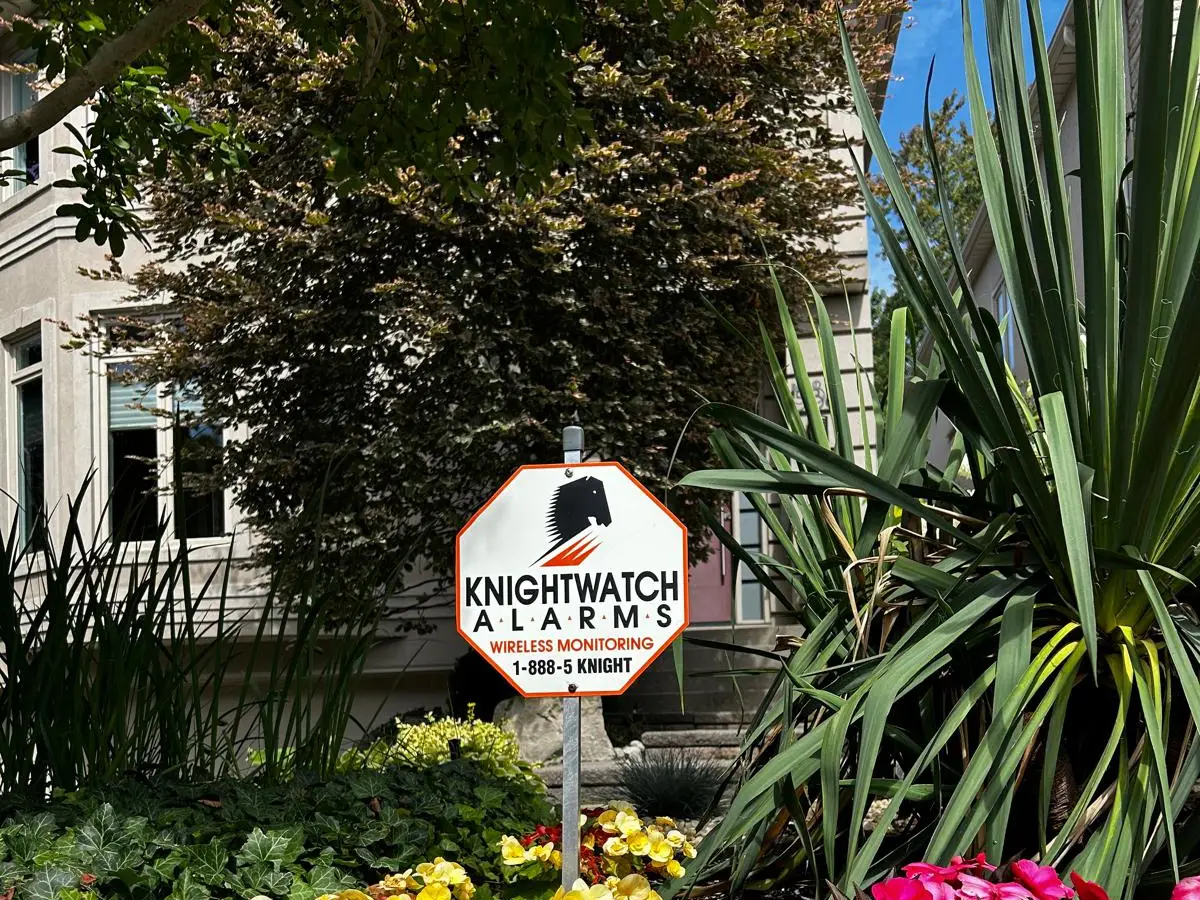
A visible sign and decals tell would-be intruders the property is protected and monitored.
It depends on the size of the home and how many devices are wired versus wireless. Your technician will give you an estimate during the free evaluation.
Yes. Monitored systems can be armed and disarmed remotely and can send event notifications by app, text or email.
No. Knightwatch monitoring has no annual contract.
Keep your compatible equipment and switch your monitoring to Knightwatch.
Round-the-clock monitoring with unlimited guard dispatch and no annual contract.
AI person and vehicle detection, active deterrence, night video and local recording.
Monitored smoke, heat, CO, flood, temperature, panic and medical alarms.
Knightwatch serves Toronto and the Greater Toronto Area. Local information for our main service areas:
Free on-site evaluation and quotation. No annual contract.