Switch from Bell or API Alarm
Former Bell Smart Home customer now with API Alarm? Switch to Knightwatch with a free alarm takeover — keep compatible equipment, no contract. Toronto & GTA.

DSC PowerSeries panels are installed in many Toronto homes and businesses, some of them for 15 years or more. Knightwatch upgrades older DSC systems while keeping the wiring and devices that still work.
None of these automatically means a new system. Most can be fixed by upgrading one part.
Many people upgrade when they leave their old provider. If your DSC panel isn’t locked, an alarm takeover reprograms it for Knightwatch monitoring, and we upgrade only what needs it. Coming from Bell, API Alarm, TELUS or ADT? See switching from Bell or API and switching from TELUS or ADT.
An upgrade is a good time to add AI security cameras. Detection and active deterrence can arm when the alarm is armed, so the whole property is protected with one action.
Older DSC panels in stores, offices and warehouses can be upgraded the same way: new communicator, keypads, extra zones, and opening/closing reports. See commercial alarm takeovers.
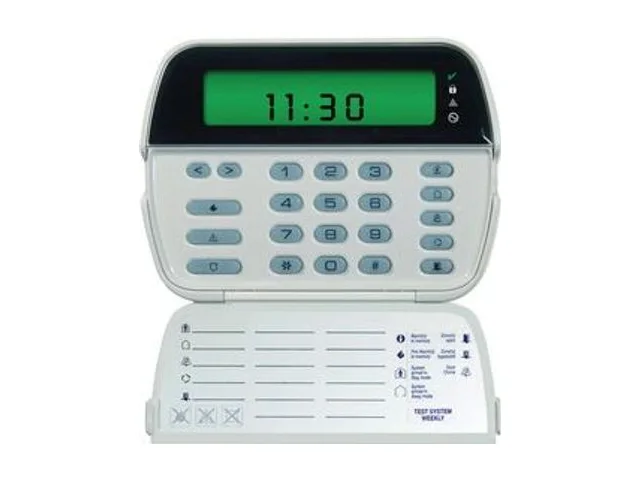
We take over DSC and Qolsys (IQ) alarm systems. Compare your keypad with the pictures below. If it matches one of these, there’s a good chance we can keep your existing equipment and simply switch your monitoring.
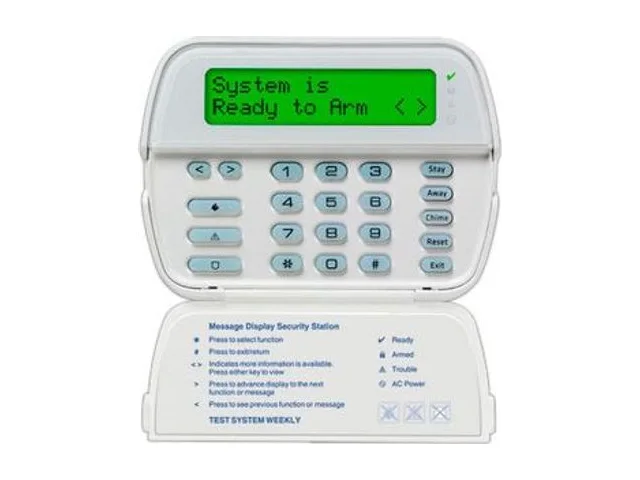
Full-message LCD screen with a flip-down door over the keys.
Small icon screen with zone numbers, plus a flip-down door.
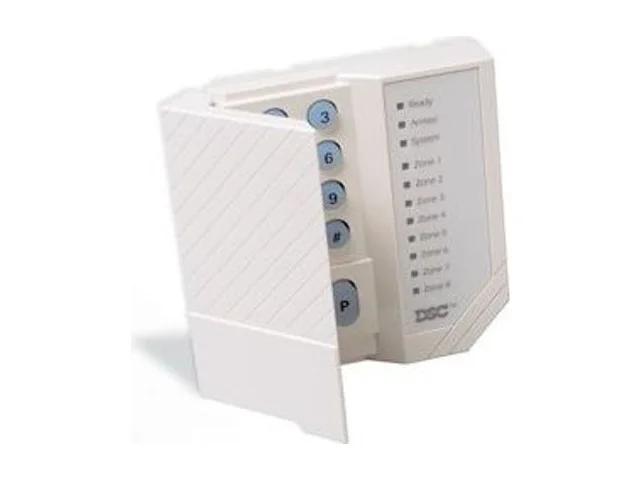
Rows of numbered zone lights instead of a screen.

Slim full-message LCD with large, flat buttons.

Slim Neo keypad with an icon-and-number display.

Wall-mounted colour touchscreen for a DSC Neo system.

7" touchscreen panel with a built-in camera at the top.

Newest IQ touchscreen: round camera above the screen, fabric speaker grille below.
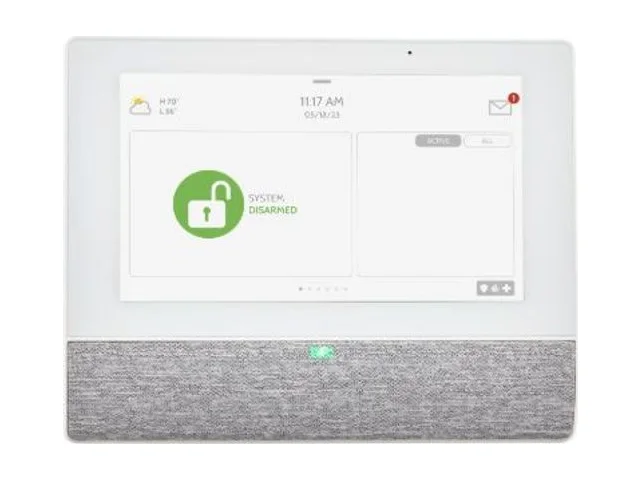
Extra IQ touchscreen with no camera, often on a stand in a bedroom or by a door.

Compact push-button keypad used beside an IQ panel.
Earlier Qolsys IQ Panel 2 and IQ Panel 2 Plus systems are also common takeovers. Compatibility is always confirmed during the free on-site evaluation. Not sure what you have? Email a photo of your keypad to [email protected] or call 416-398-7414.
DSC, PowerSeries, Qolsys and IQ Panel are trademarks of their respective owners.
Former Bell Smart Home customer now with API Alarm? Switch to Knightwatch with a free alarm takeover — keep compatible equipment, no contract. Toronto & GTA.
Switch from TELUS SmartHome Security (formerly ADT Canada) to Knightwatch. Free takeover of compatible equipment, no contract, local Toronto service.
Proven, professional-grade equipment — installed, tested and serviced by our own technicians.

Full-message LCD keypads for simple arming, disarming and clear status at a glance — the DSC equipment our technicians install and service every day.
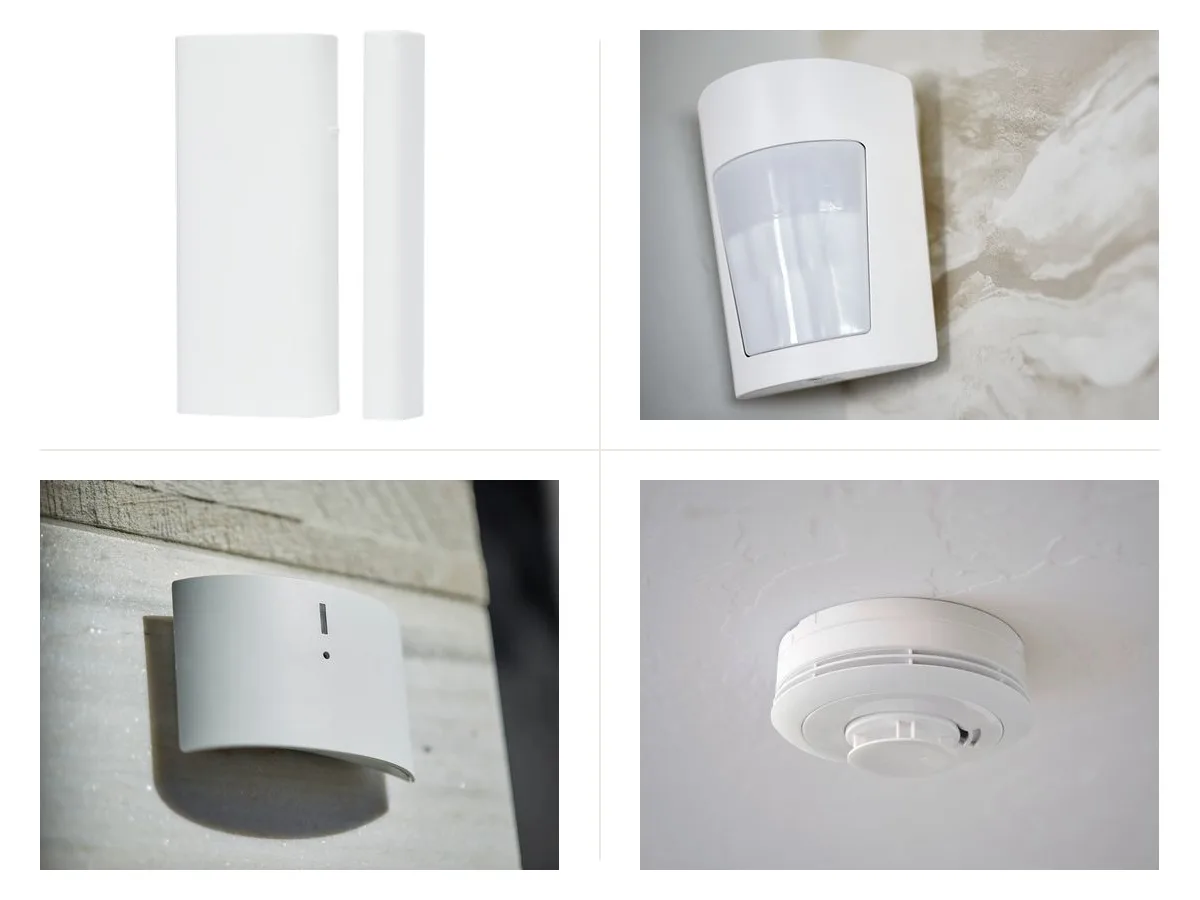
Wired or wireless contacts on every entry point, motion and glass-break detection inside, plus monitored smoke and heat detection.

The IQ Panel 5 touchscreen with PowerG wireless sensors — tidy installs, phone control and room to grow.
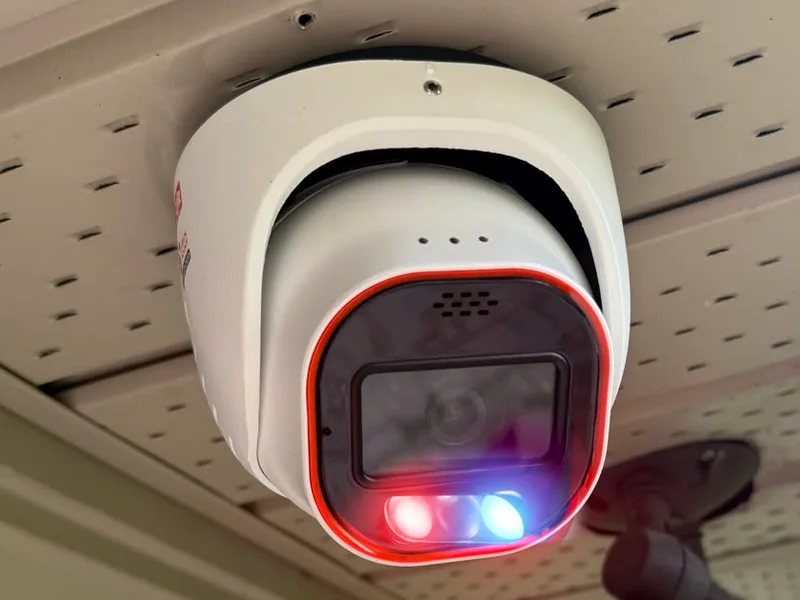
AI person and vehicle detection with a siren and red-and-blue strobe lights that warn intruders away, plus two-way audio and local recording.
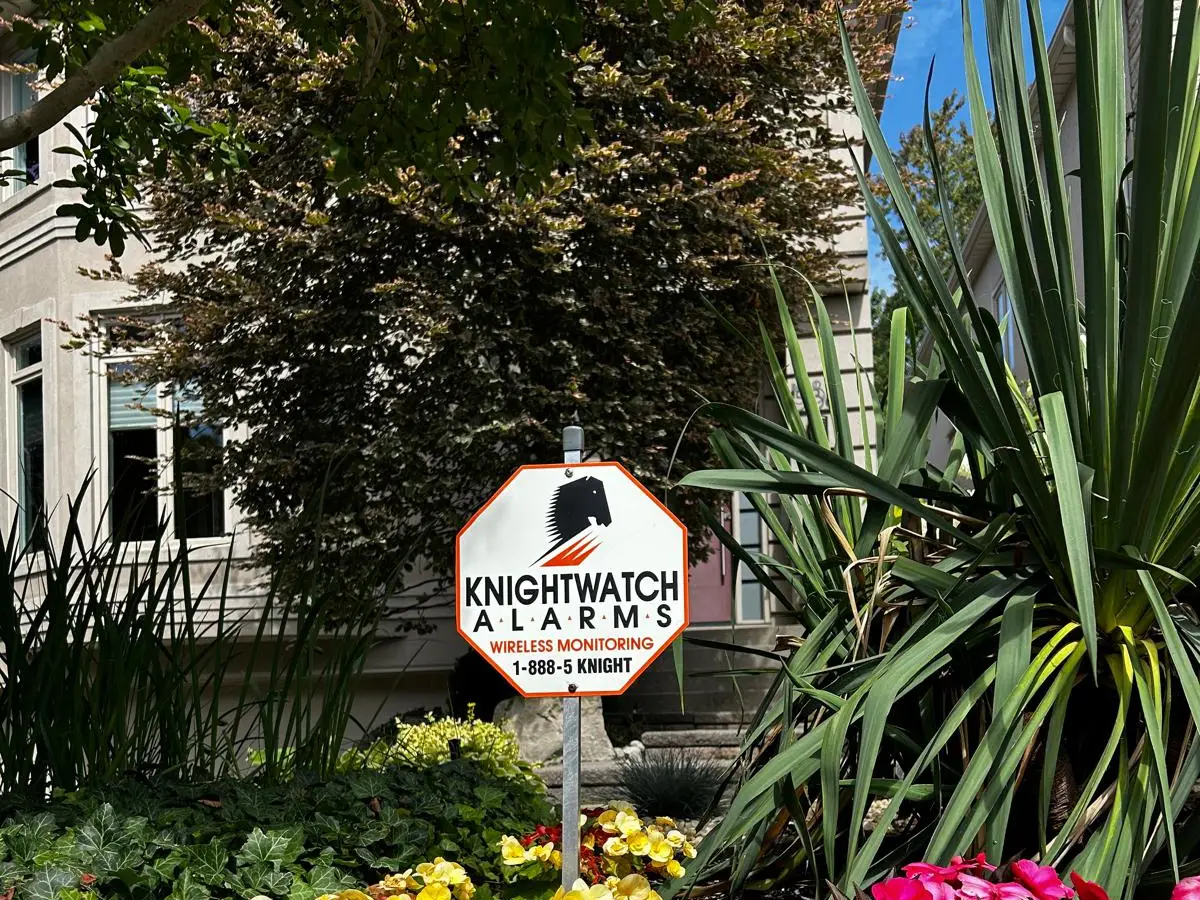
A visible sign and decals tell would-be intruders the property is protected and monitored.
Usually, yes. The wiring and many sensors can be reused; the keypad, communicator or panel is upgraded as needed. The free evaluation tells you what applies to your system.
Yes. A cellular communicator sends alarm signals without a landline.
Yes. A wireless receiver added to the panel lets wired and wireless devices work together.
Yes, with a compatible communicator or panel upgrade, you can arm, disarm and get notifications from an app.
Keep your compatible equipment and switch your monitoring to Knightwatch.
A system designed around your home’s layout, installed and tested by our own technicians.
Round-the-clock monitoring with unlimited guard dispatch and no annual contract.
Move your business alarm to Knightwatch without replacing compatible equipment.
Knightwatch serves Toronto and the Greater Toronto Area. Local information for our main service areas:
Choosing a Toronto alarm company is an important decision. You are trusting that company with the security of your home, your belongings, and most…
Thornhill is one of the GTA’s most desirable residential communities. Located within Vaughan, just above Toronto but within the GTA, Thornhill is…
Living in a condo can feel more secure than living in a detached home. Many Toronto condominiums have controlled entrances, concierge staff, security…
Free on-site evaluation and quotation. No annual contract.